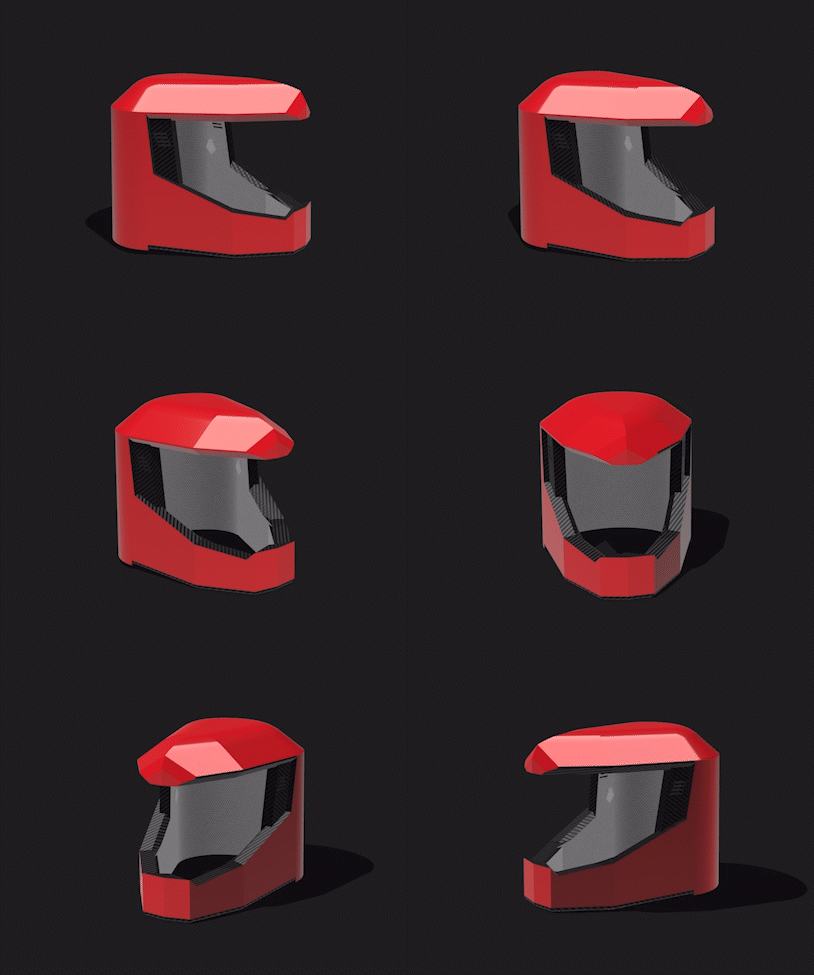
An Interactive Helmet + App - Helpment
Project Type: Product Development and UX Design
Role: UI/UX Design
Collaborators: Aditya Manepally (UI Designer), Tina Shirasb, and Biderberg Mitchell (UI Designer)
Duration: 3 Months
An all-encompassing rider experience: an interactive helmet paired with a user-friendly app serves as the ultimate trip companion. With integrated Bluetooth headphones, seamlessly connecting to your phone's music player, you can enjoy your favorite tunes while on the road, all while choosing between Noise Cancelling or Ambient sound options. The built-in microphone enables effortless voice commands, enhancing safety and convenience. The app itself provides crucial trip data, including route details, street obstacles, weather conditions, and speed, all accessible via voice command. For added practicality, a secure phone mount ensures your device stays in place on your bike's handlebars. This comprehensive solution redefines the way riders navigate and enjoy their journeys.

Revolutionizing the rider experience, our integrated helmet and user-friendly app form the ultimate trip companion. Connect the Bluetooth headphones to your phone's music player, immersing yourself in your favorite tunes on the road. Choose between Noise Cancelling or Ambient options for a personalized auditory experience. Effortlessly control your journey with the built-in microphone, enabling voice commands for enhanced safety and convenience. The app displays vital trip data such as route details, street obstacles, weather conditions, and speed, all accessible via voice command. For added practicality, a secure phone mount ensures your device stays firmly in place on your bike's handlebars, providing a seamless and secure riding experience.
Functionalities
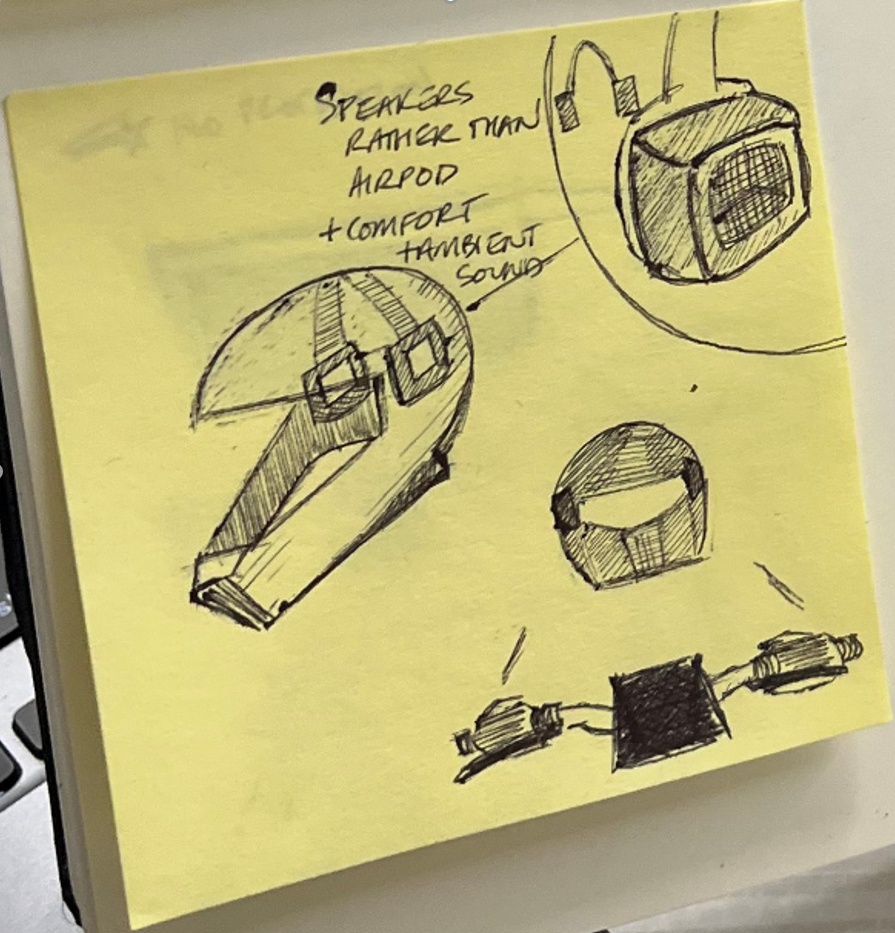
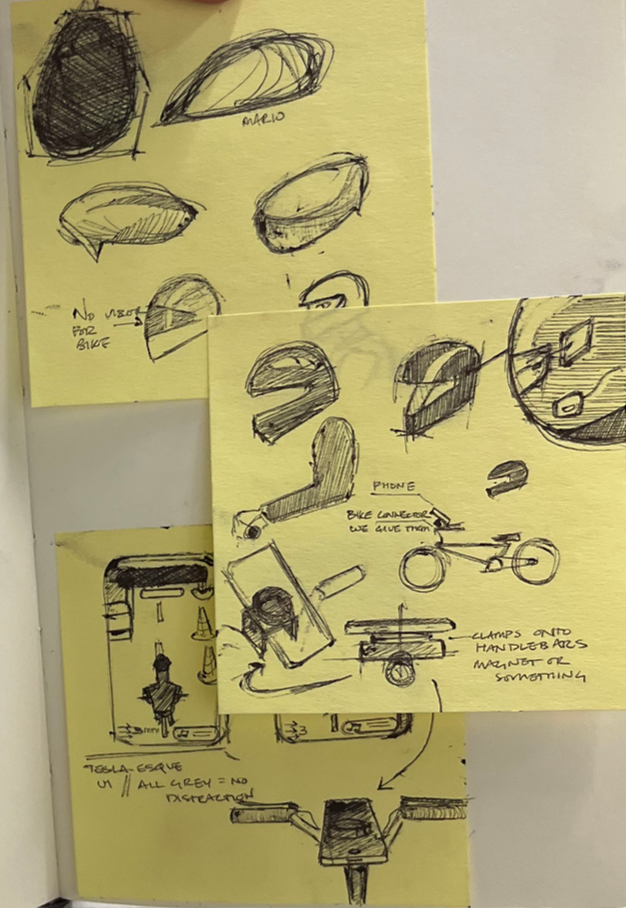
Model Sketches
Planning and ideating the Helpmet physical prototype

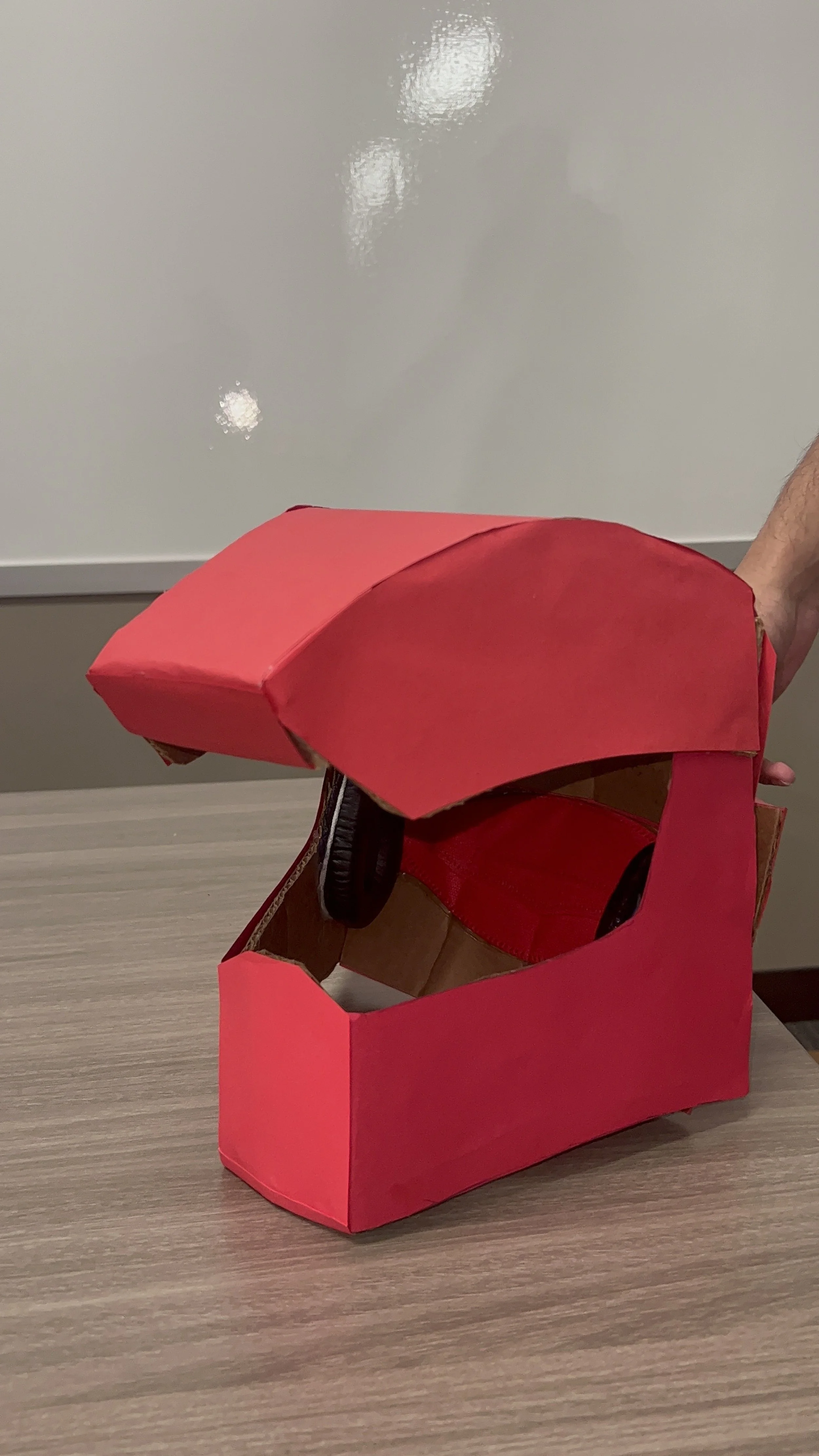
Model Prototype
Visualizing the Helpment
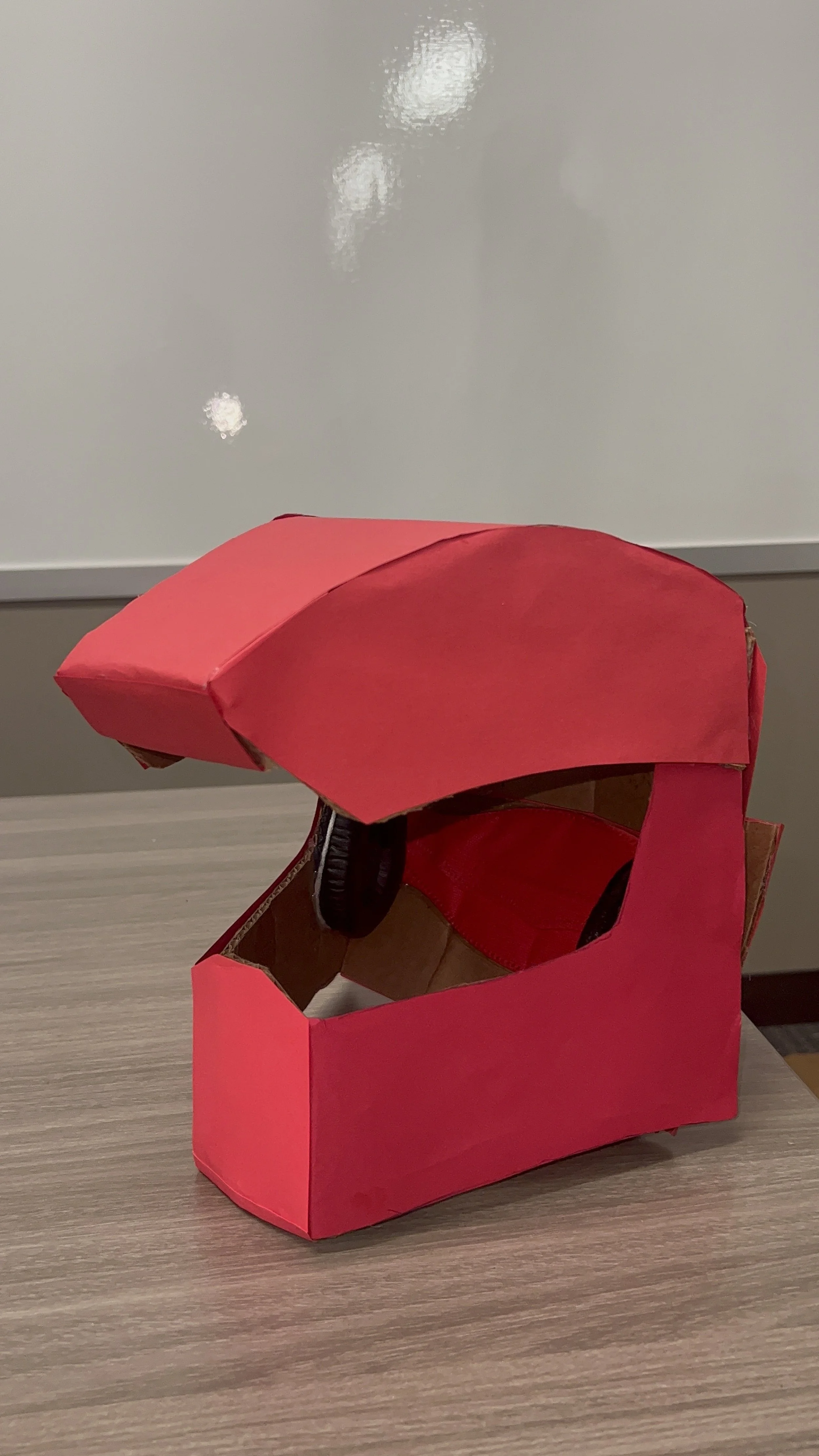
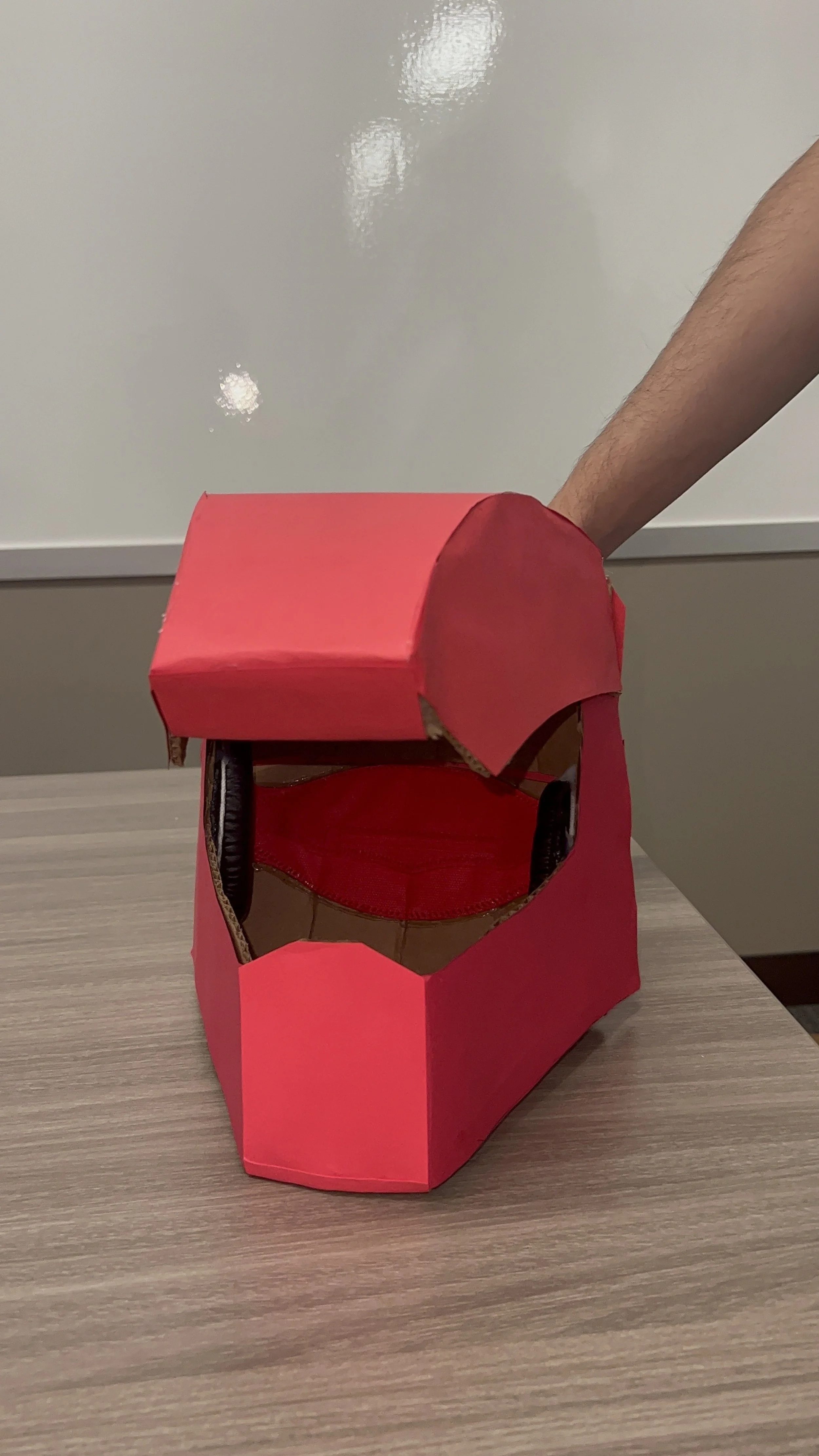
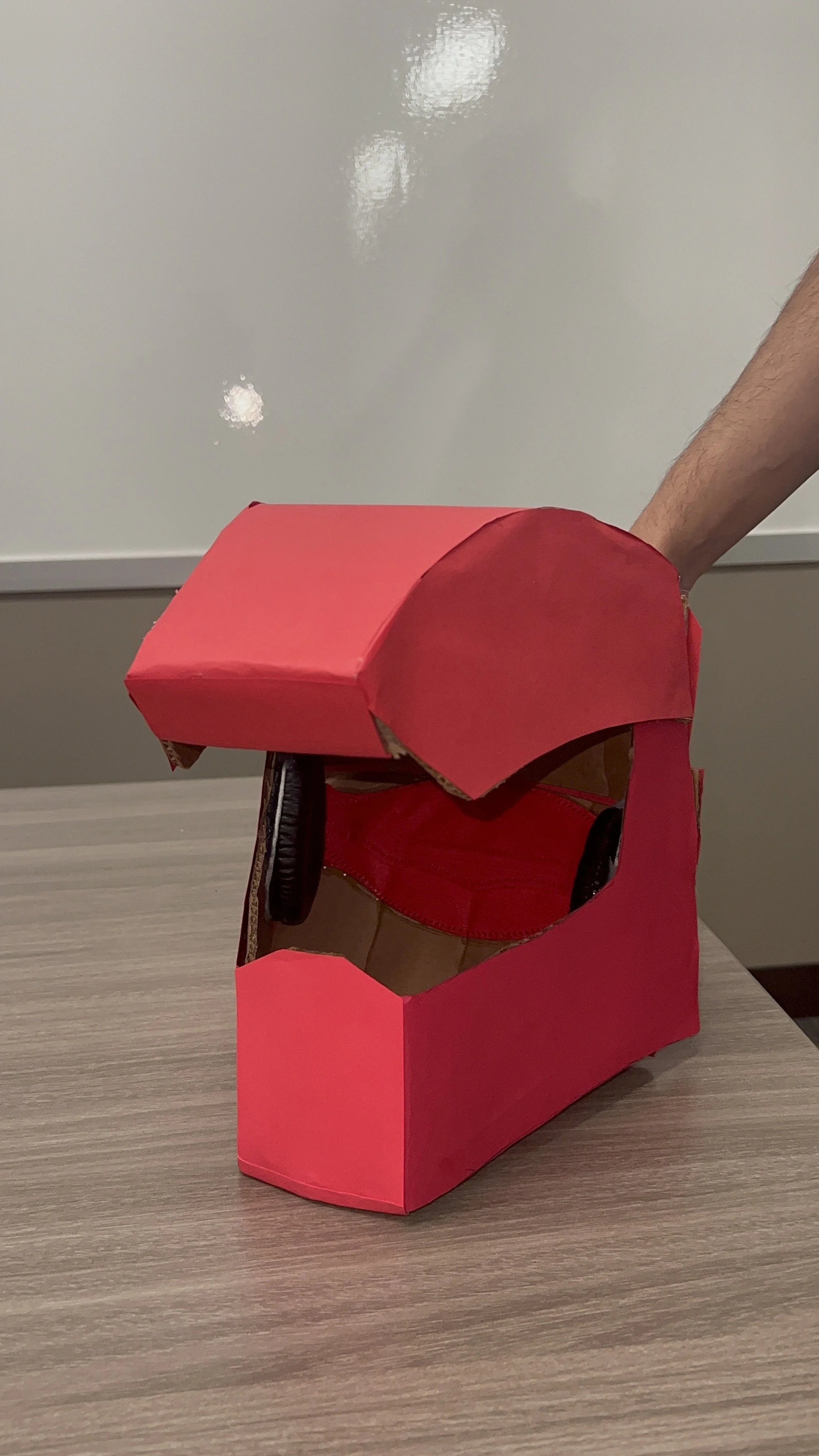
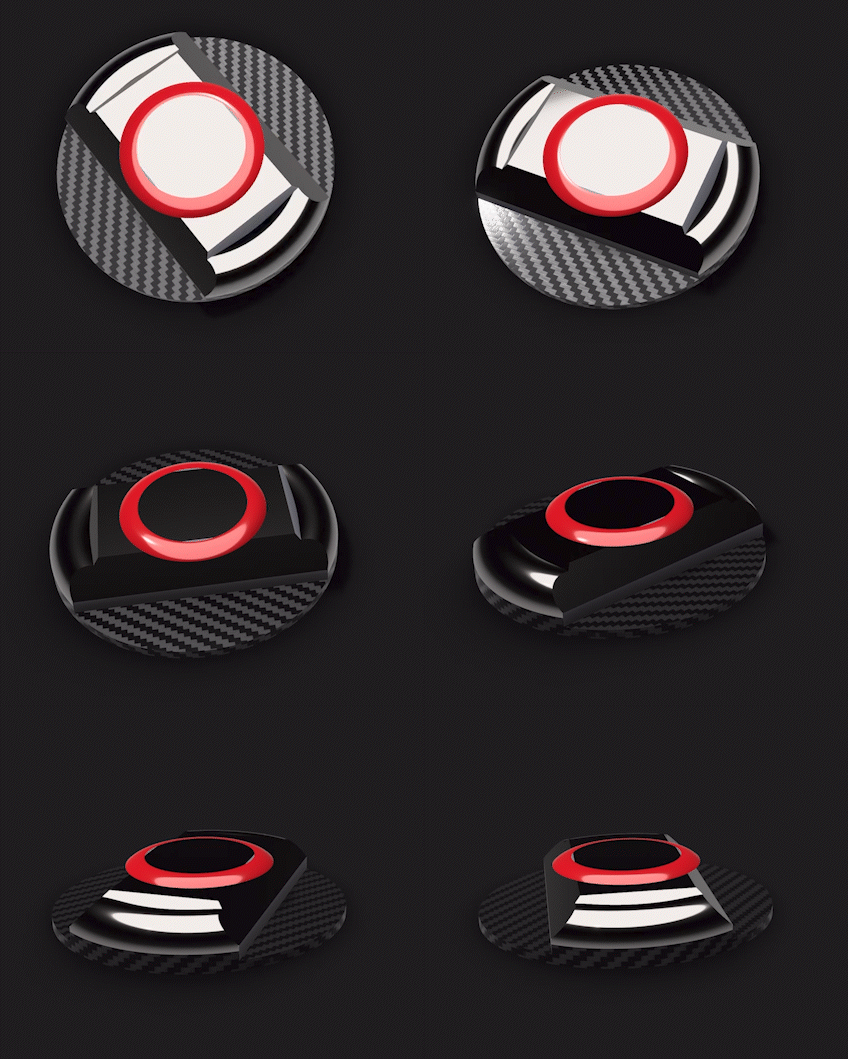
3D Elements
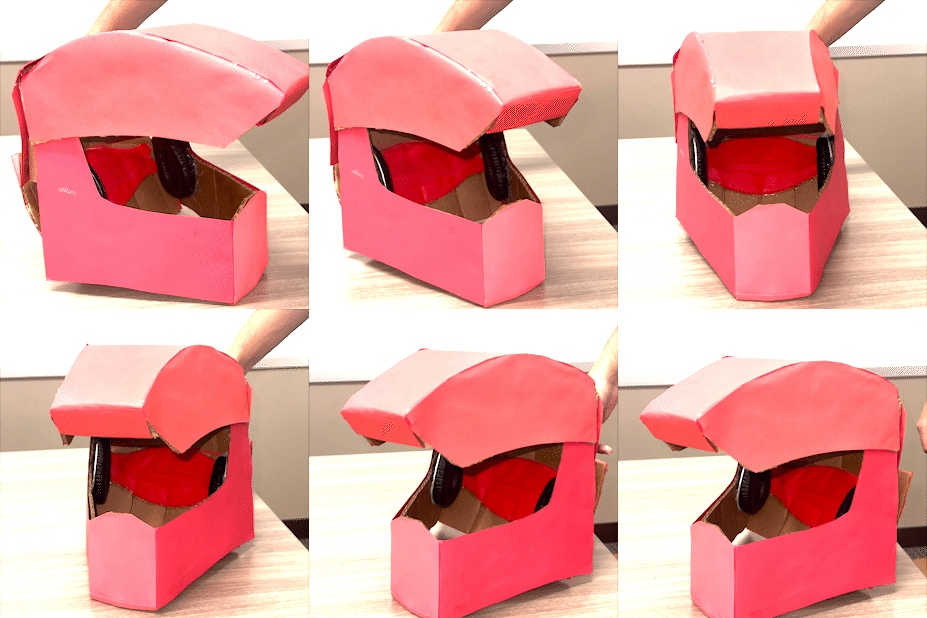

Magnetic Phone Holder
User Interface
Helpmet’s Application UI - Onboarding

Siri Enabled
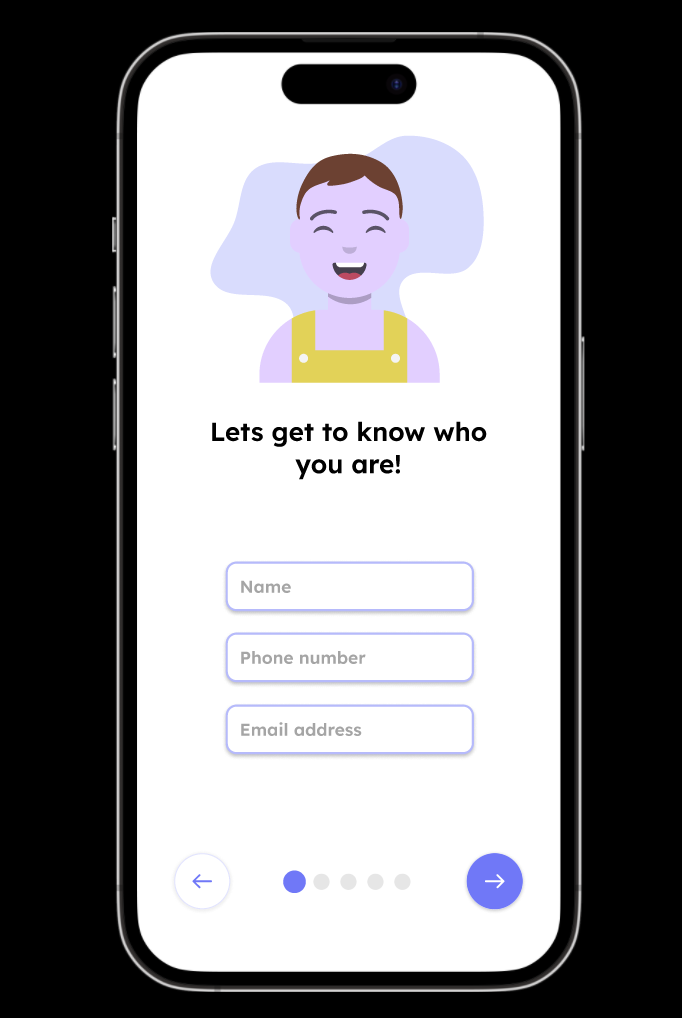
Sign Up Screen

Helpment Color Selection

Sound Mode Screen

Vehicle Selection Screen

Pairing Screen
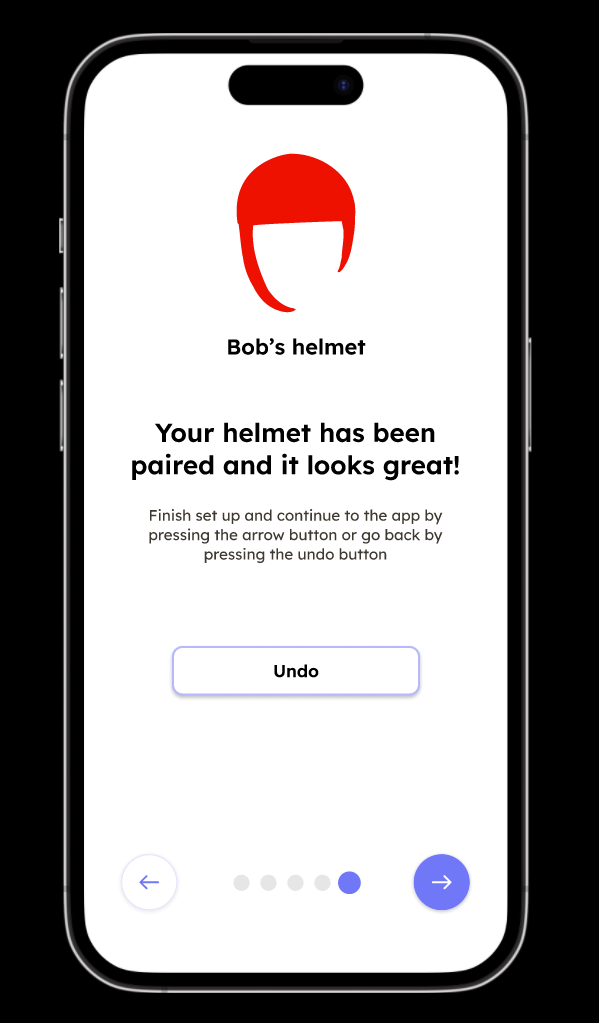
Paired Helpment Screen

Helpment Screen
Feedback
On presenting our prototype to our target audience, we received valuable feedback, which enabled us to refine and enhance our design. The insights provided by our audience played a pivotal role in identifying areas for improvement and addressing user preferences. This process ensured that our final product aligned seamlessly with the needs and expectations of our users. The constructive feedback received significantly contributed to the evolution of our prototype into a more user-friendly and effective solution.
Comments
Easy-to-use application
“Simple” look and feel
Colors of the app and helmet are“fun”
Concerns
User noted that helmets are not always used regularly by people internationally, indicating that the product may not cater to a wider audience.
Concerns on the Helmet not being as functional as the application
Raised a question on whether the helmet or the app was the main product
Suggestions
The helmet should have some sort of physical hardware that adds to the experience, like a button on the helmet you could press for the sounds to become ambient.
The app could arguably be as distracting as UI on a vizor because you have to keep looking down and you’re wearing a helmet anyway, as opposed to not having to look down
Final Production
Starting from the sketches to building the prototype, and creating the interfaces, we received valuable insights that prompted us to refine our product design and consider our target audience. The feedback provided valuable perspectives on usability, aesthetics, and the audience's preferences regarding helmets.
We chose ease of use and simplicity as our design guiding principles to make sure the final product is accessible and meets all relevant requirements. We incorporated a range of vibrant and engaging colors in our design, and the concerns raised during the feedback stage prompted us to consider cultural and regional variations in helmet usage.